Free · Offline · Windows + macOS
Tasks, clips, and time — one private workspace.
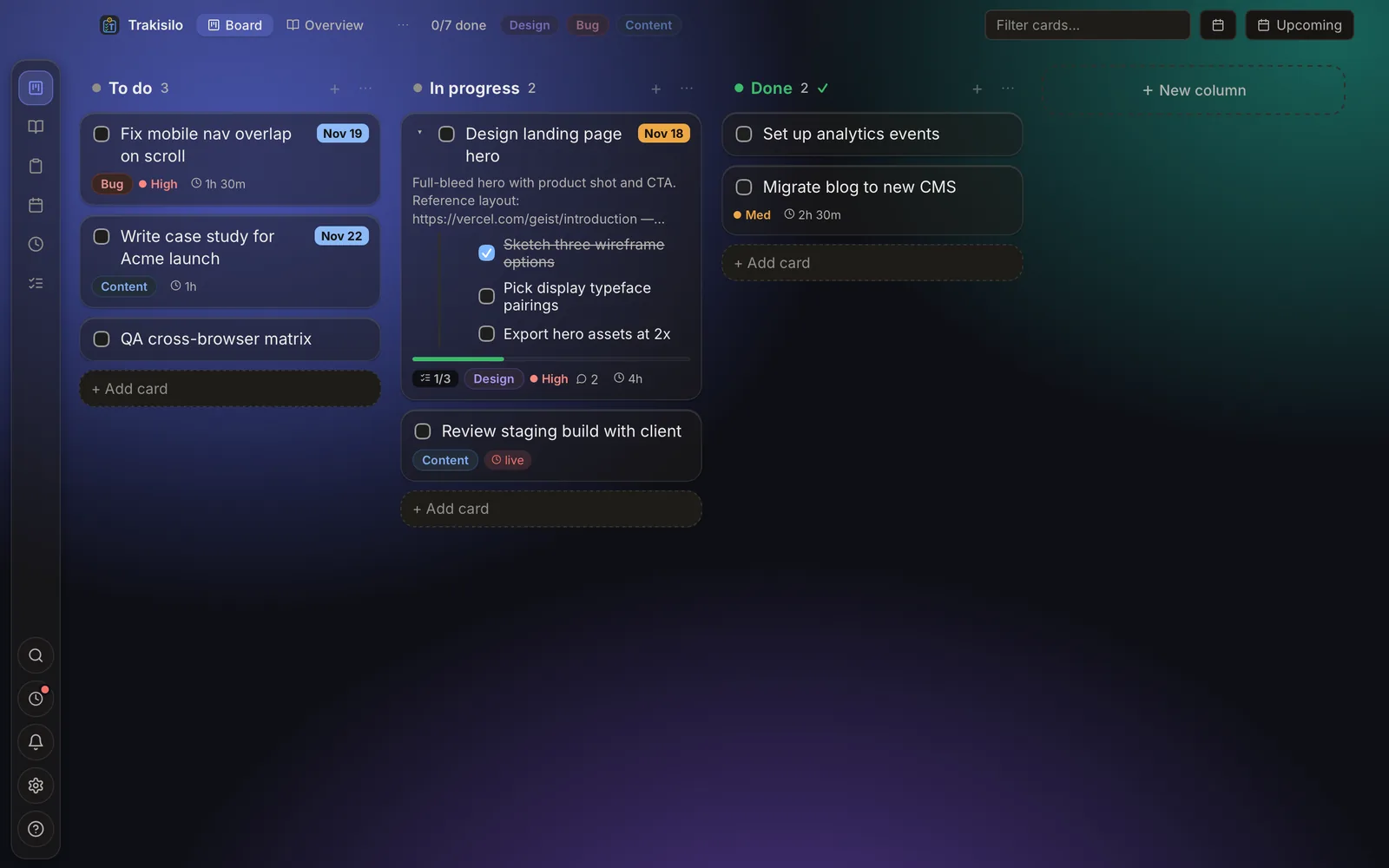
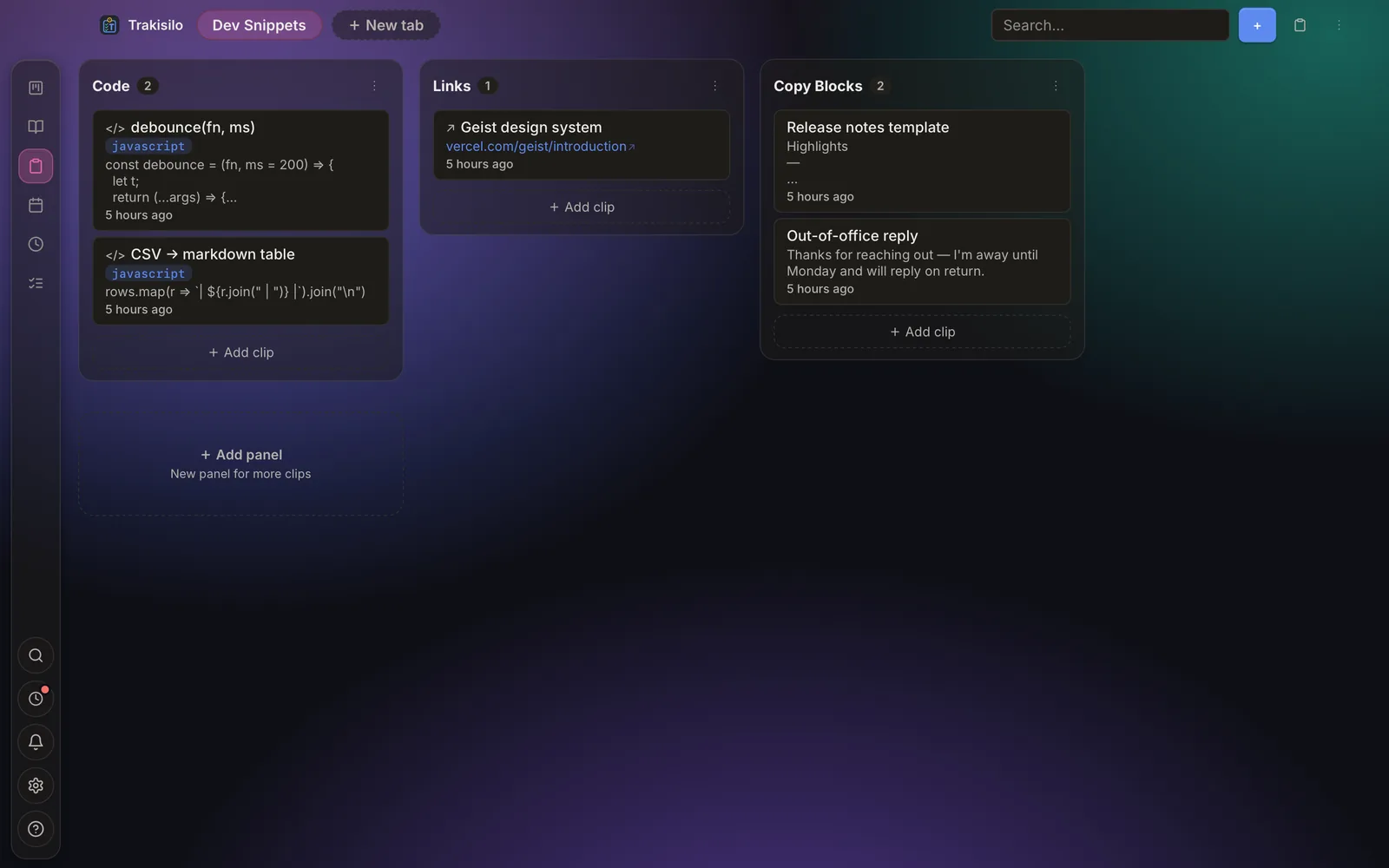
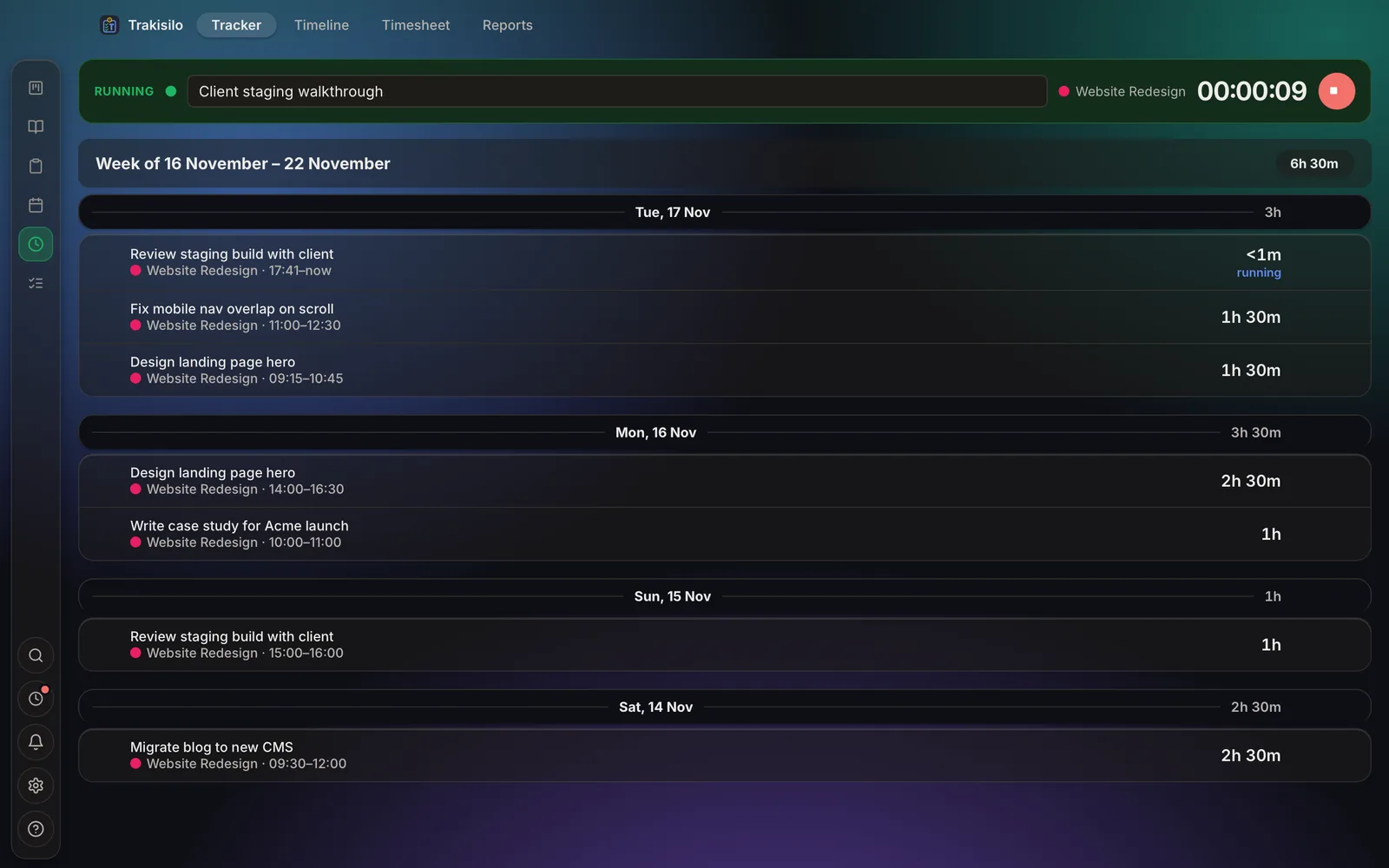
Kanban boards, a clipboard vault with a global quick-paste, time tracking with timesheets, project docs and a journal — all on your machine. No account. No cloud. No subscription.

New in 2.0
Rebuilt to feel lighter
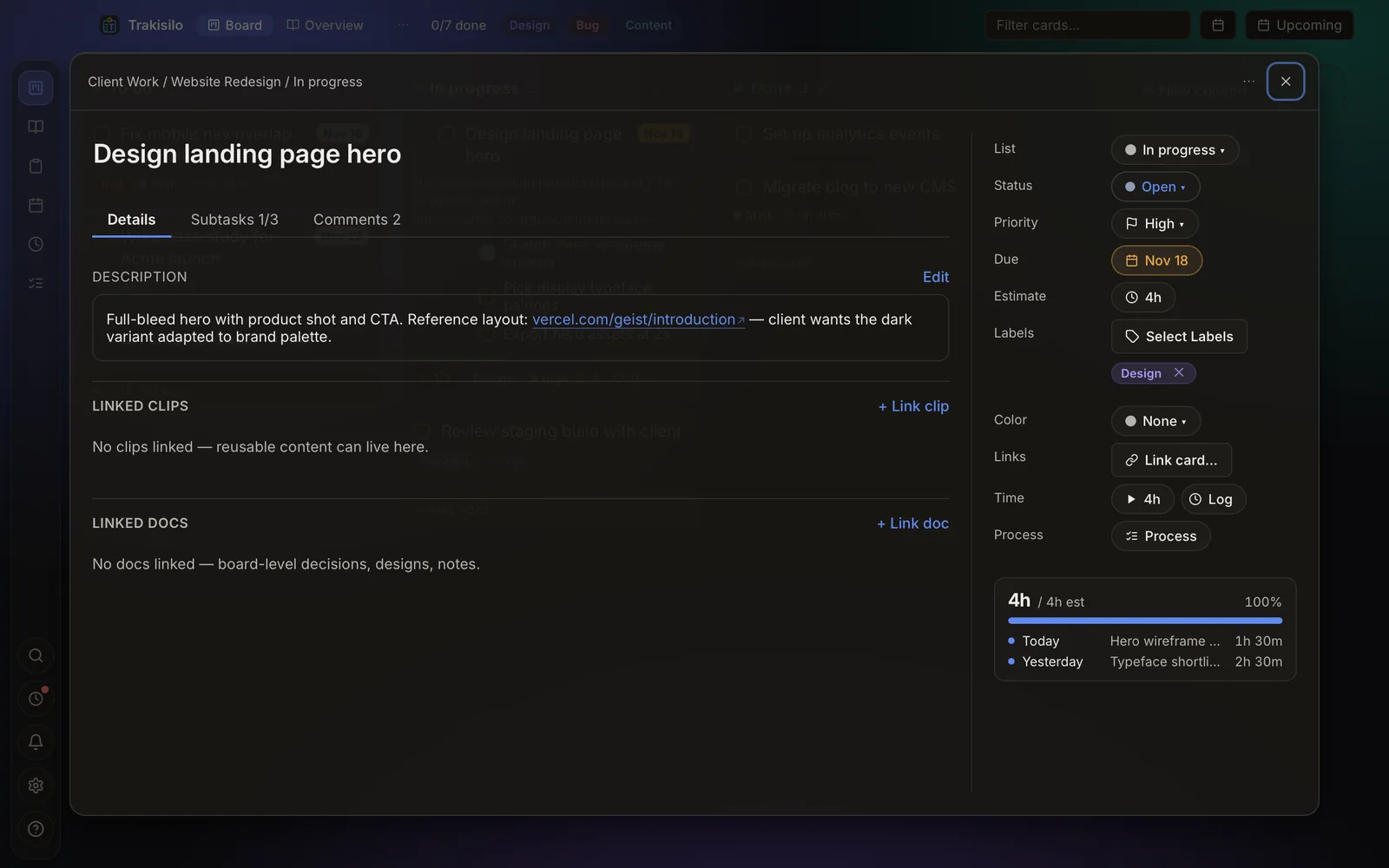
Frosted panels over a soft aurora backdrop, a new activity rail, and the details to match — Chronicle sections and sorting, comments in focused dialogs, a drag-and-drop diagram canvas, and math that renders as you type.
Why
One app, not three
The usual setup is a kanban tool plus a clipboard manager plus a time tracker — three apps, three accounts, three clouds. Trakisilo puts them in one context, so the clip pastes into the task and the timer runs on it.
Trello + Ditto + Toggl Track
Based on publicly listed plans and defaults, October 2026.
The workspace
See it in action
Short live loops of the real app — every feature has its own deep-dive.
Who it's for
Built for people who ship
Snippets and commands one hotkey away; specs and decisions live next to the tickets they describe.
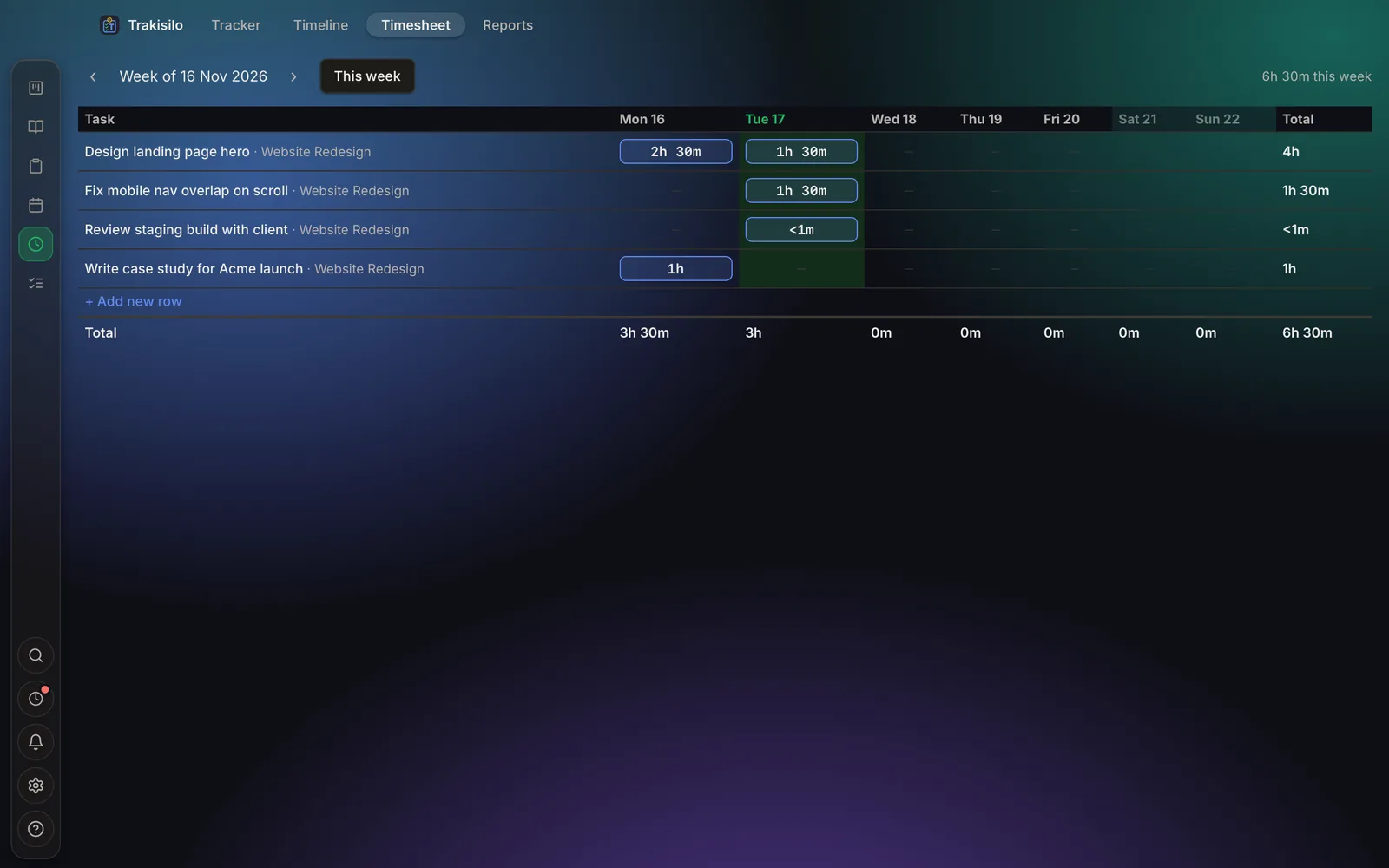
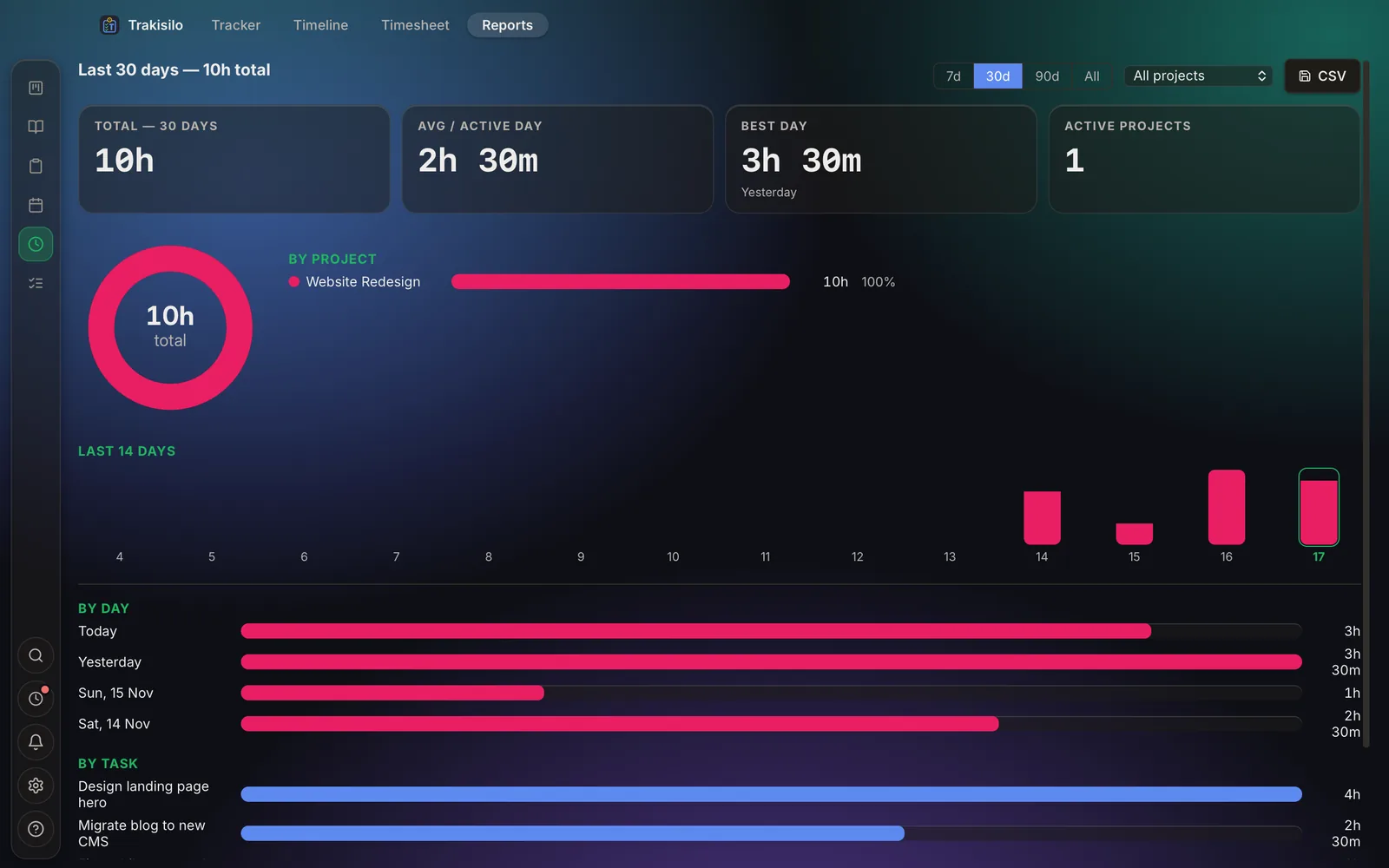
Track hours on the same tasks you bill for, then export the weekly timesheet to CSV.
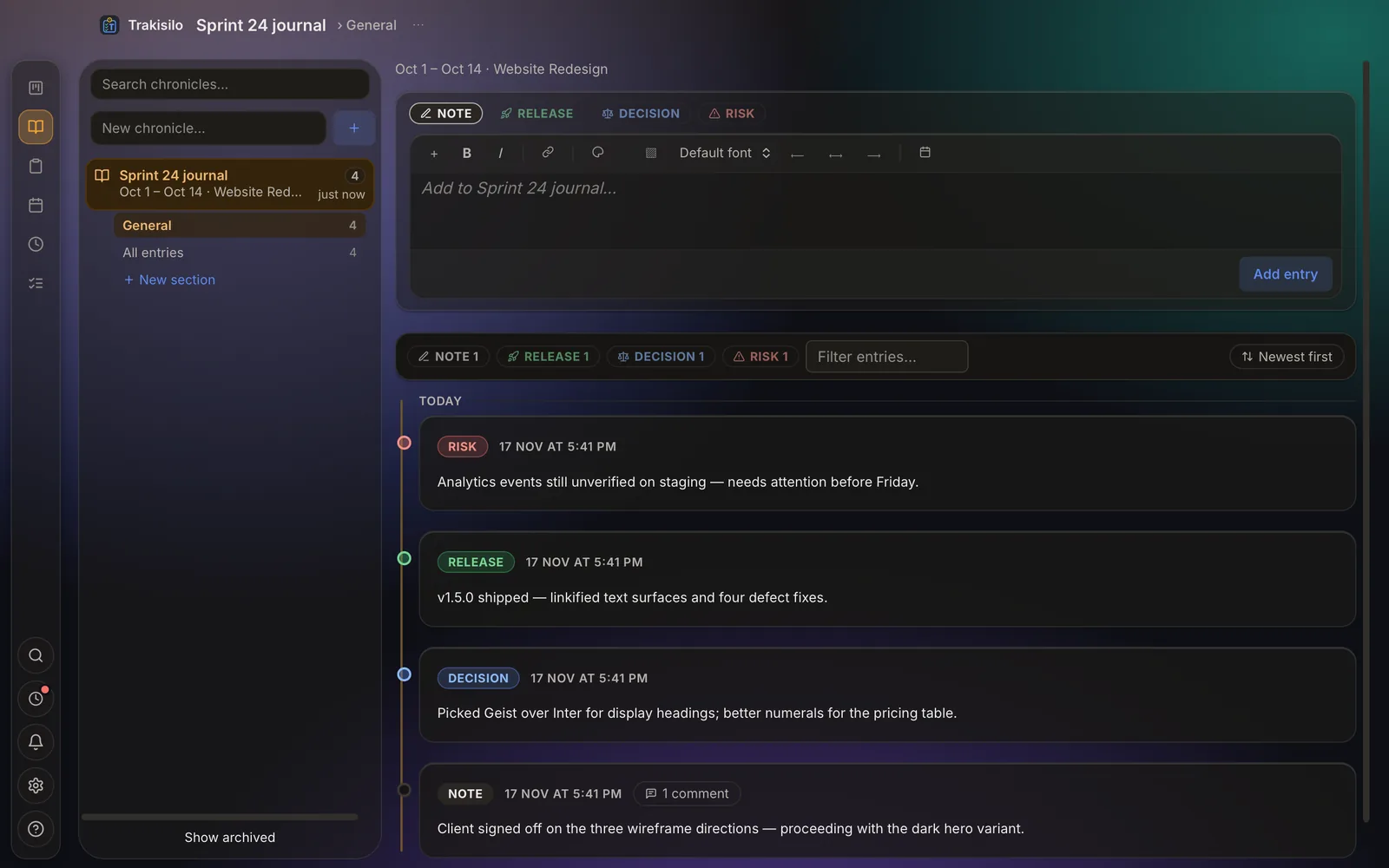
A typed journal of decisions and sources; checklist processes for recurring work.
Board docs keep client decisions beside the board; processes make delivery repeatable.
Private by design
Your work never leaves your machine
Offline-first isn't a mode — it's the architecture. No account to create, no telemetry to opt out of, nothing captured in the background.
Full walkthrough
Three minutes, end to end
Every surface
Screenshots
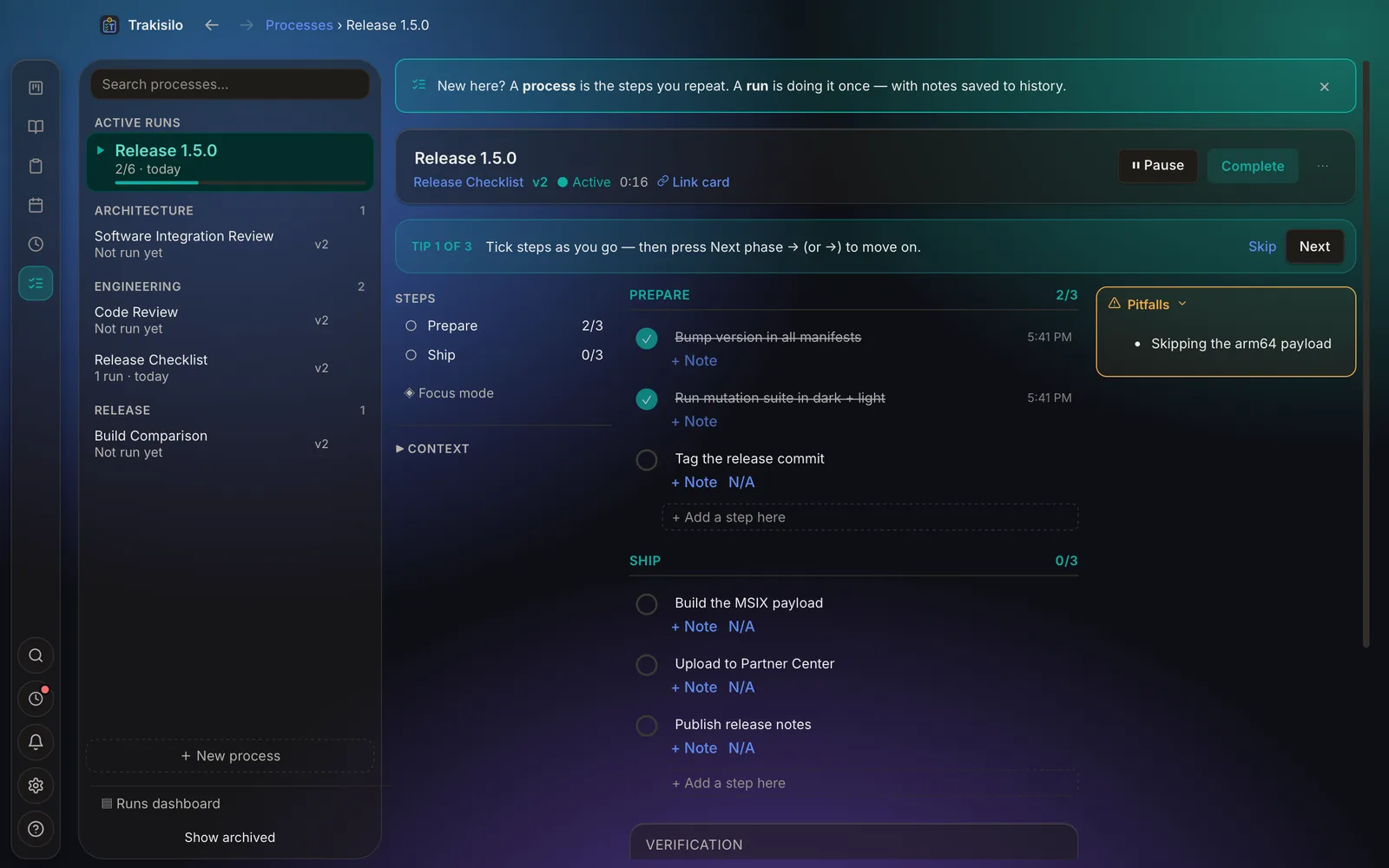
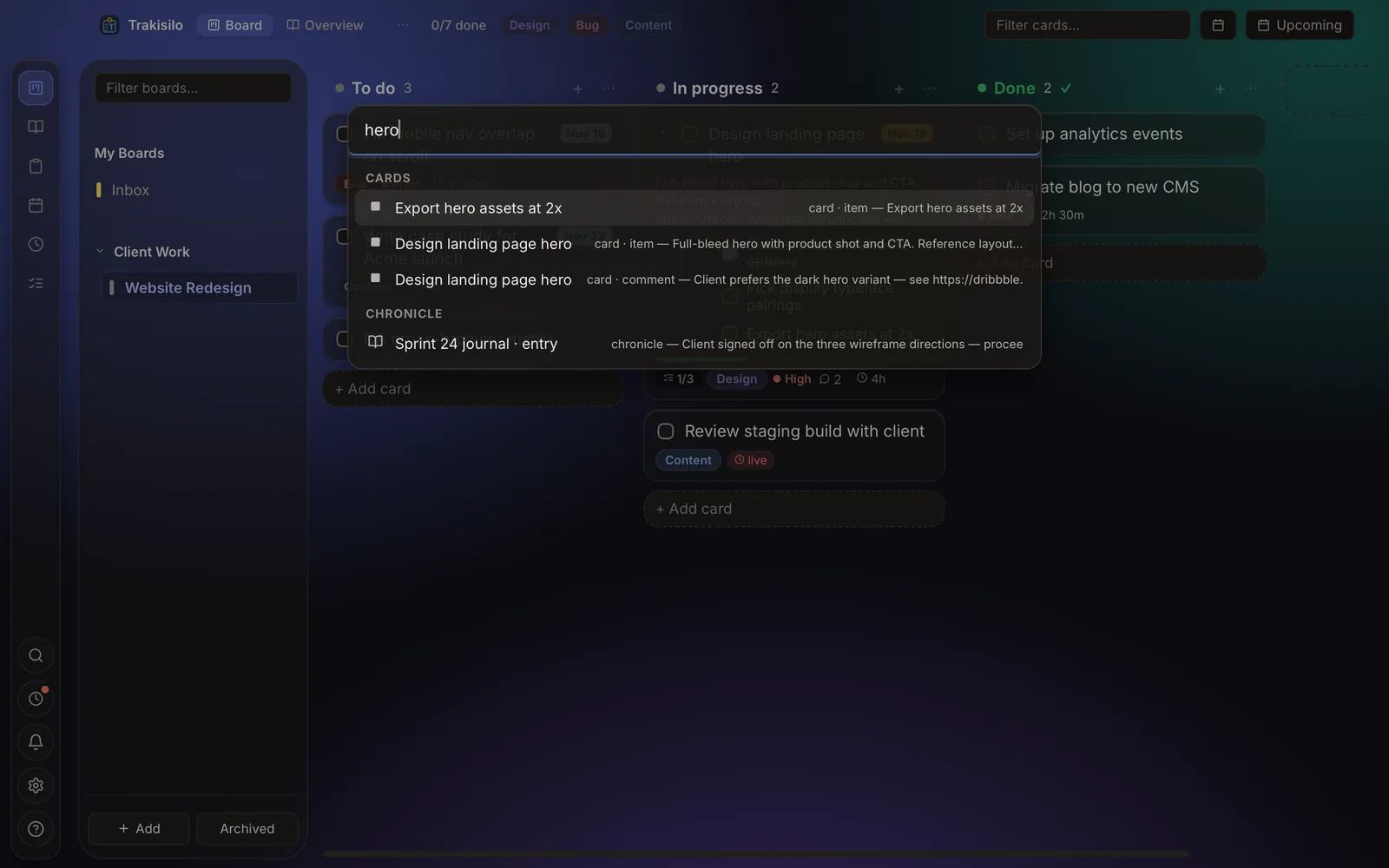
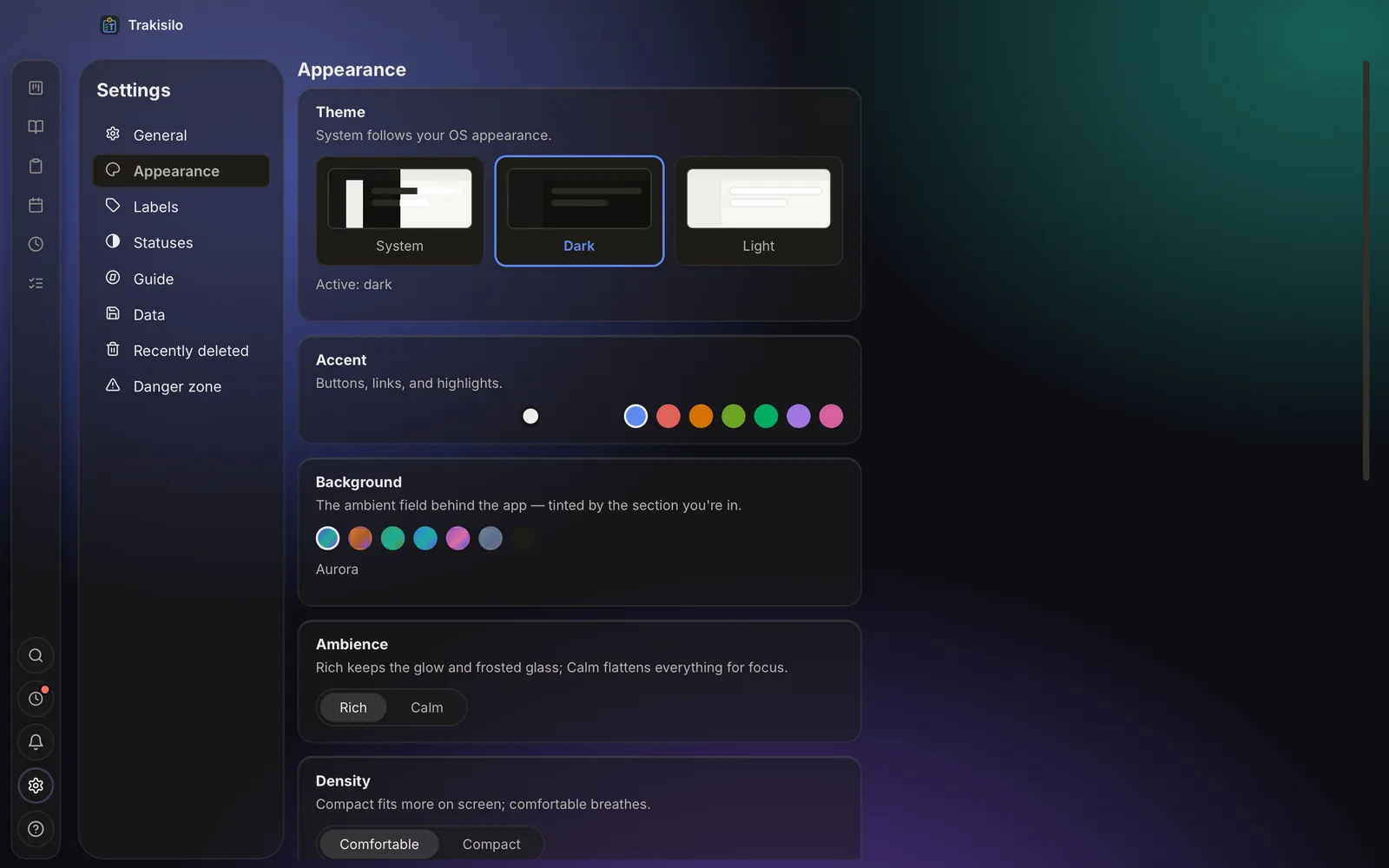
Questions
FAQ
What's new in 2.0?
A redesigned glass interface with a new activity rail, Chronicle sections and feed sorting, comments in focused dialogs, a drag-and-drop diagram canvas, AsciiMath formulas, and smarter paste handling.
Is Trakisilo really free?
Yes. All features, no subscription, no account, no trial period — and no paid tier waiting behind any of them.
Who makes Trakisilo?
One independent developer — no company, no investors, no data to monetize. Free and offline isn't a growth trick: the app simply has nothing to sell but itself. Feedback goes straight to the person who builds it.
Does it need an internet connection?
No. Trakisilo is fully offline — every feature works without a connection, and the app makes no network calls.
Where is my data stored?
In a local database on your machine. Nothing leaves your device unless you export or back it up yourself.
How do I back up or move to a new PC?
Settings → Backup saves your whole workspace to a folder you choose. On the new machine, Settings → Restore picks it up in one step.
Does the clipboard manager record everything I copy?
No — nothing is captured in the background. A clip exists only when you explicitly save one.
Is there sync or a mobile app?
No. Offline is a deliberate design choice, not a missing feature — your data never lives on someone else's server.
Which platforms does it run on?
Windows 10 (1809+) and 11, x64 and ARM64 — via the Microsoft Store. macOS 10.15+, Apple Silicon and Intel — via brew or DMG. The Mac build is unsigned, so first launch needs one approval in System Settings → Privacy & Security → Open Anyway (guide).
How do I report a bug or request a feature?
Use the in-app ? help panel, or open an issue — feedback lands directly with the developer.
Your work, on your machine.
Free forever · installs in seconds · nothing to sign up for